
Tyler County Warrant Searches
Official Tyler County sources reviewed for this site did not show a public active-warrant search form. Start with the court tied to the paperwork: District Clerk for a felony or district case, County Clerk for a county misdemeanor, the named JP for a precinct ticket, or Woodville or Ivanhoe Municipal Court for a city citation. The Sheriff's Office is a separate contact for sheriff-held process.
Write down the person's full legal name, date of birth, and case or citation number. Ask whether the file shows an active warrant, an FTA capias, or a capias pro fine, and whether the court requires a hearing, payment, or another step. A search result alone is not the court's confirmation.
- Read the citation, notice, or case paper to identify the city, precinct, court, and cause number.
- Call that court or its clerk and ask what status appears in the file; have the full name and birth date ready.
- For a sheriff record, use the Sheriff's Office non-emergency number, (409) 283-2172; corrections is (409) 283-6331.
- Request existing documents in writing if phone confirmation does not answer the records question.
- Use DPS OmniBase only for an FTA/FTP license hold, then ask an attorney or the issuing court about any warrant.
The Clerk Split by Case
Tyler County does not have one clerk for every criminal file. The District Clerk keeps felony and district-level criminal files for the 1A and 88th District Courts. The County Clerk is the clerk for County Court misdemeanors. Class C traffic and ordinance records remain with the JP or municipal court that handled the ticket.
The state court directory can help identify a court by county or city, but it does not return warrant records. Use it to route a call, then speak with the office that holds the case.
The District Clerk’s official page lists the felony-file contact and public docket route.
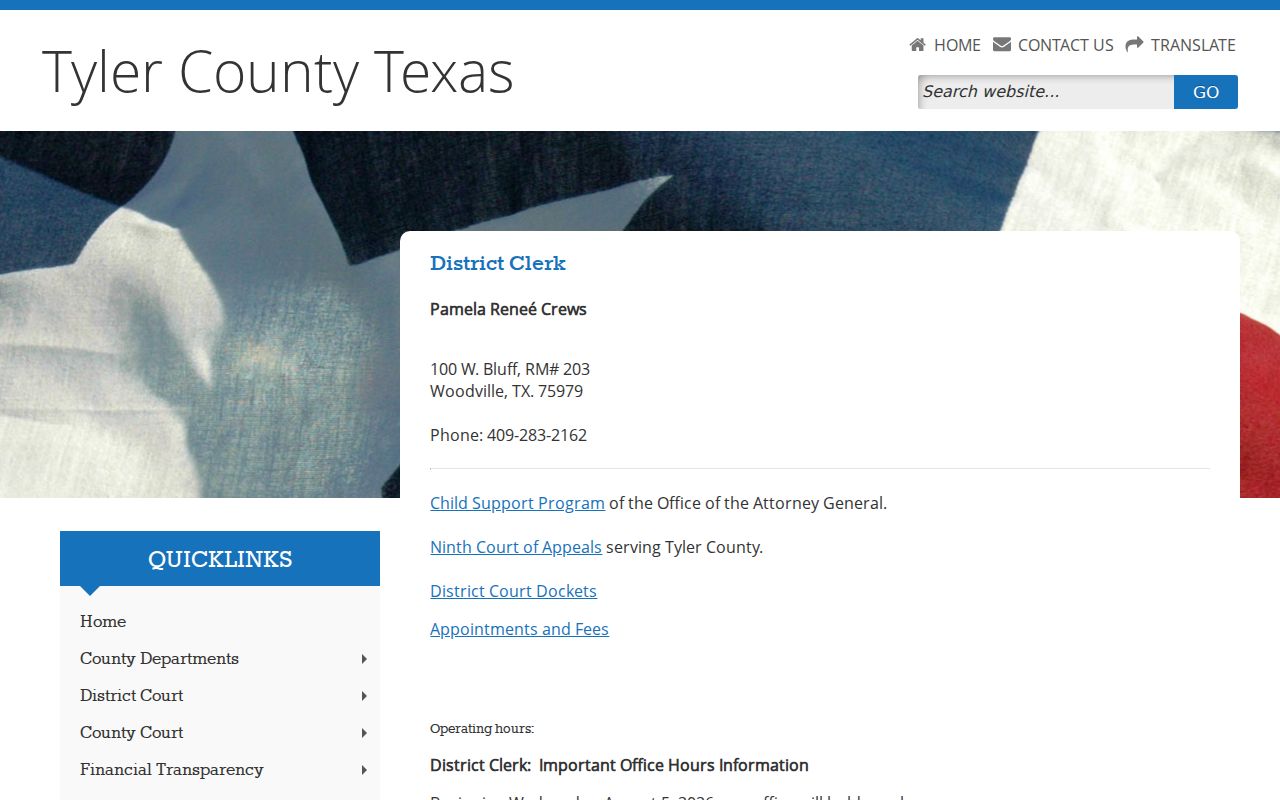
Use that office for a district criminal file; its docket link does not cover JP or municipal citations.
The Texas Judicial Directory also provides court-contact categories.
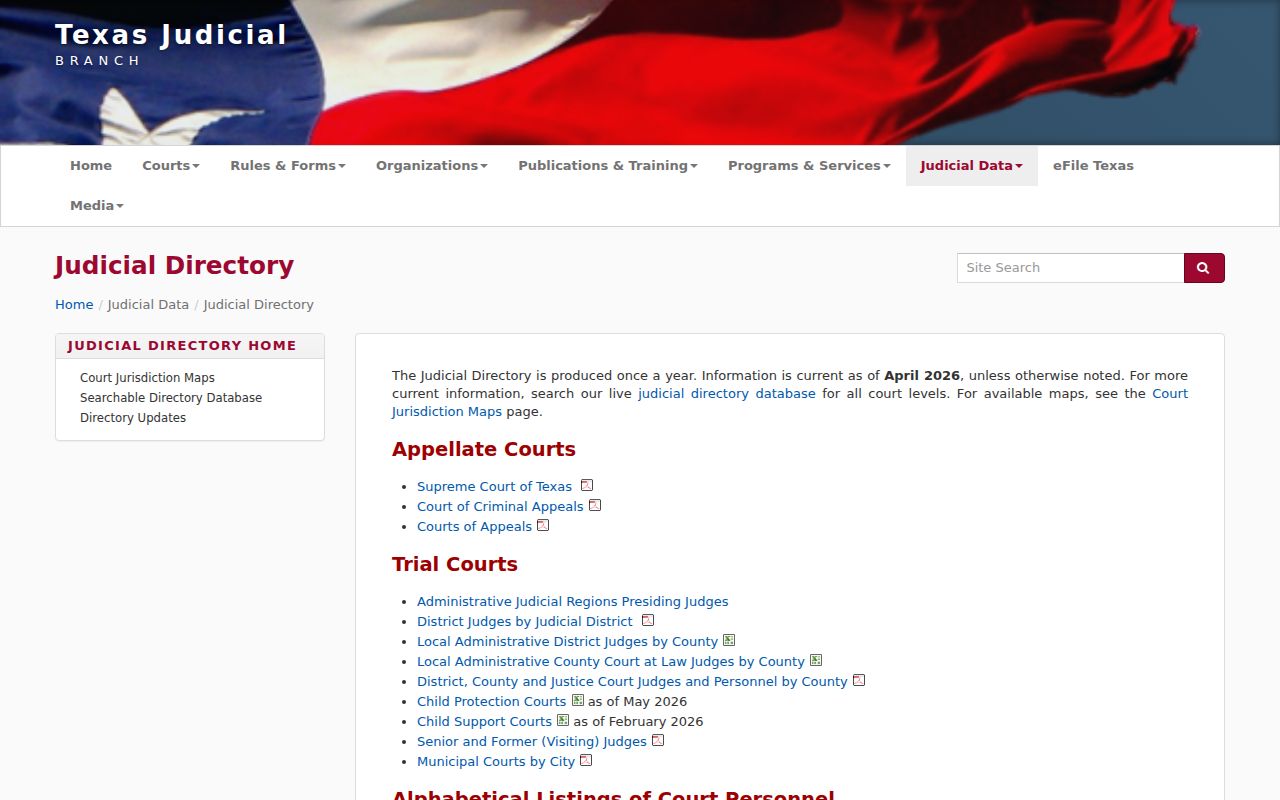
Directory categories help route a question but do not display a warrant status.
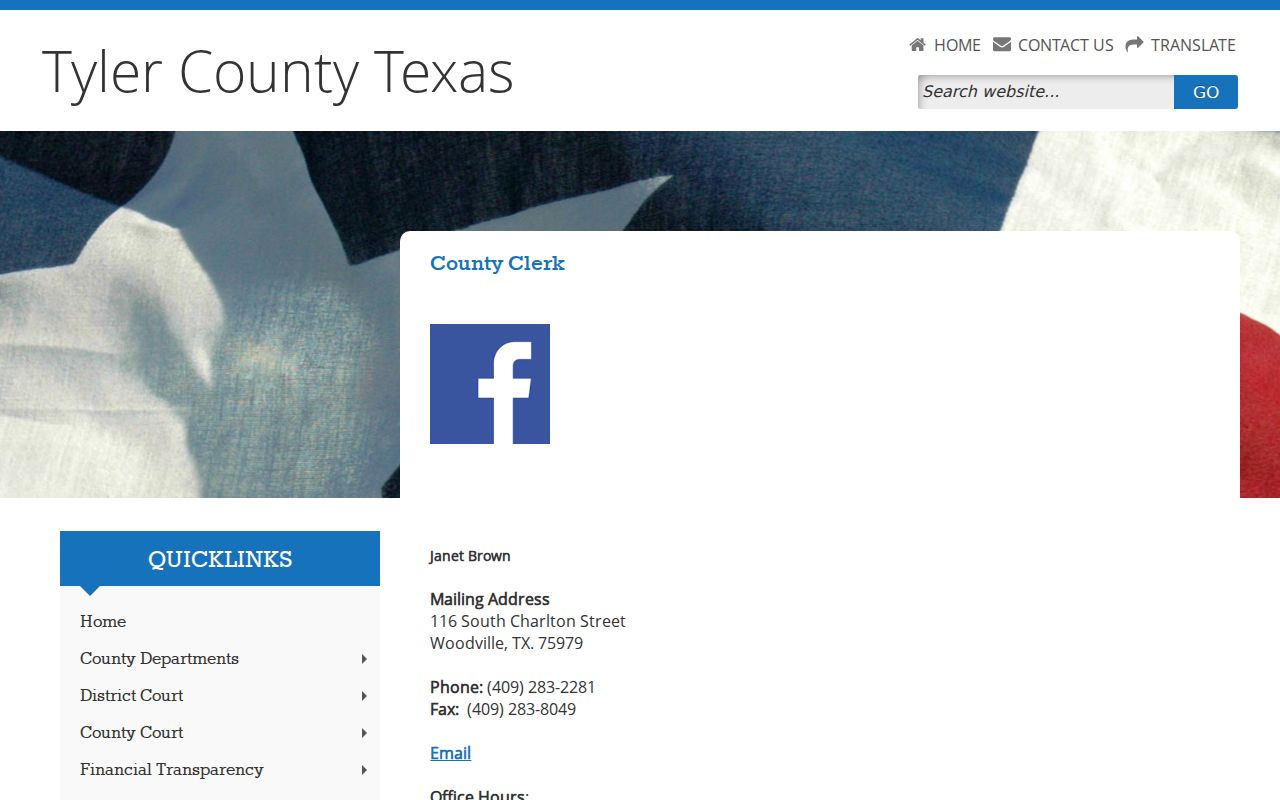
The County Clerk page names the misdemeanor-file office and its contact path, not a searchable warrant index.
What a Warrant Search Asks For
No official countywide warrant form or verified online field schema was located. The table below is a call-preparation list based on the courts' routing instructions, not a claim that Tyler County accepts these fields in a search box. Give only what the issuing clerk asks for.
| Field Label | Type | Required | Notes |
|---|---|---|---|
| Full legal name | Call detail | Useful | Ask the clerk to confirm spelling and any matching case. |
| Date of birth | Call detail | If requested | Helps distinguish a person with a common name. |
| Cause or citation number | Case reference | If known | No single Tyler County warrant-number format was published. |
| City or JP precinct | Court route | Useful | Municipal and JP files are kept by separate courts. |
| Notice or court date | Case detail | If known | Helps staff find the setting or action history. |
A Docket Can Lag Status
County FTA PDFs are date-specific court calendars. They can show cause numbers and actions such as capias issued, returned served, recalled, or a hearing reset. They do not combine every county, JP, or city court into a live active-warrant search. The July 8, 2025 docket listed 29 cases, not 29 countywide warrants.
Check with the issuing court if a docket looks old or does not show a recent event. A person may have a new record that is not on a published calendar, or a case may have changed after the PDF was posted.
The Texas court directory search is for court contacts. It is not a warrant result page.
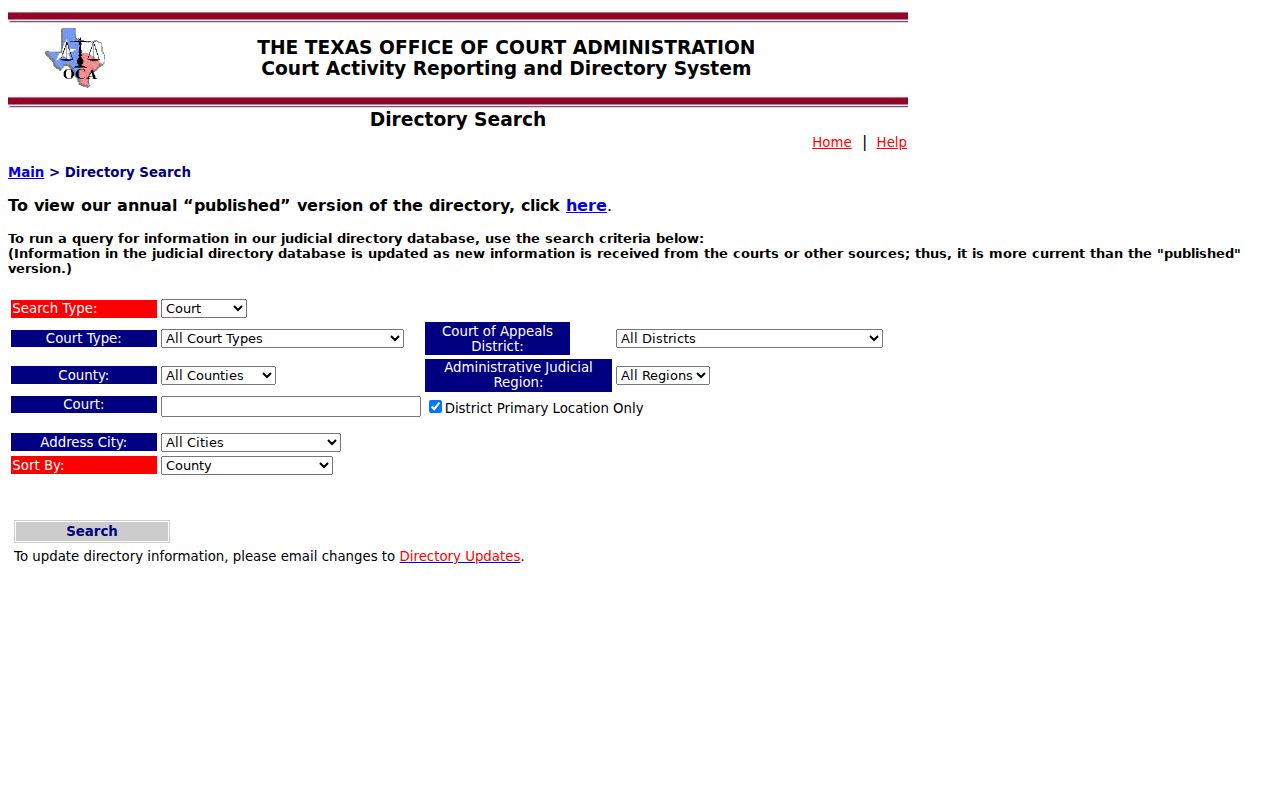
The directory controls identify courts and locations; a clerk must confirm the case status.
Tyler County Warrant Search Results
There is no single public result screen to describe for the county. Court dockets and case files may show the case number, court, offense class, setting, and action history. Public docket samples were reviewed for column labels only; personal names and case facts are not reproduced here.
| Case reference | Number format varies by court |
|---|---|
| Charge / offense | The file may show an offense description and misdemeanor or felony class. |
| Issuing court | Use the court name to route questions about the warrant. |
| Bond | A current county bond schedule was not located; ask the court. |
| Action history | Issued, served, recalled, and reset describe different events. |
OmniBase Is License Status
Texas DPS runs the Failure to Appear / Failure to Pay Program, often called OmniBase. It can show that a court-reported citation affects license renewal, but it is not a public warrant database. DPS states that license specialists cannot tell callers whether a warrant exists. A hold is a prompt to contact the reporting court, not proof of a particular warrant or bond.
For the public support number and clearance information, use the DPS FTA/FTP FAQ. After a court acts, DPS says system clearing can take up to seven business days.
Tyler County Warrants: Who Holds What
The court that issued process controls the case record. District files go to the District Clerk and district court coordinator; County Court misdemeanor files go to the County Clerk; Class C records go to the named JP or city court. The sheriff's non-emergency line is the route for sheriff-held process. No official source says every court warrant feeds one shared public index.
The state directory helps find an office, and DPS OmniBase covers reported traffic FTA/FTP status. Neither answers every warrant question. Check the court and sheriff separately when the case could involve both.
One Tyler County Office Cannot Clear Another
A check must follow the record holder rather than the place where a person lives or was stopped. A JP can confirm a precinct citation, but it cannot certify the District Clerk’s felony file. A sheriff response is limited to the Sheriff’s Office records and does not replace a municipal clerk’s answer. If a clerk finds no case, ask whether the question should go to another court level.
This matters when an old traffic ticket and a later criminal case appear in the same search result. Keep their cause numbers separate and get the court name for each. The court directory can help locate an office, but only the clerk responsible for the file can confirm its docket status.
Request Existing Records in Writing
If an office cannot confirm the record by phone, Tyler County's Open Records page says to submit a written request for existing documents. For sheriff-held records, it lists publicrecords@co.tyler.tx.us. Identify the agency, the person's own name, a cause number if known, and the particular status or warrant document sought.
A request is not a way to require staff to answer a legal question or create a continuing report. Sealed, juvenile, or protected investigative material may be withheld or redacted. The county recommends keeping proof that a request reached the proper public-information officer.
The Texas Public Information Act explains the access rule and statutory exceptions.
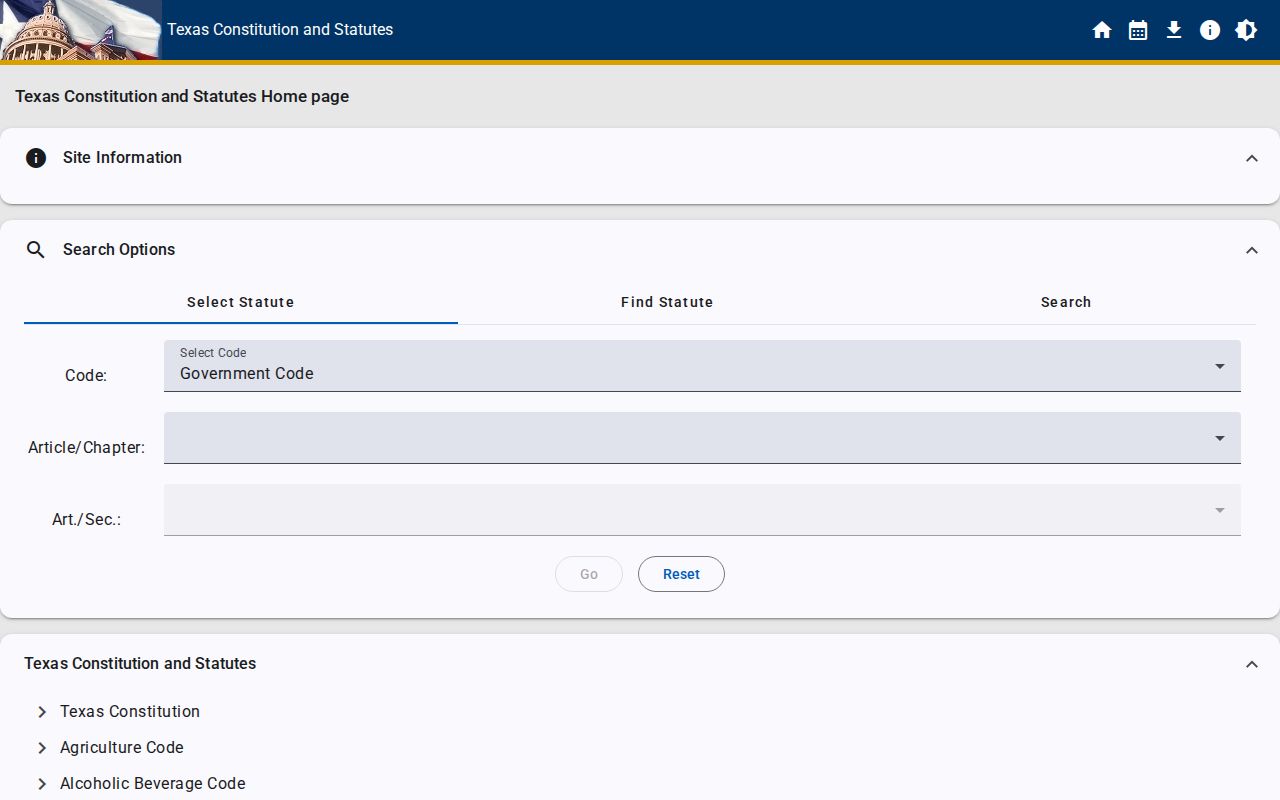
The state-law page describes access and exceptions; it does not guarantee release of every warrant file.
For criminal-record documents, the county’s criminal-record request instructions describe its separate request route.
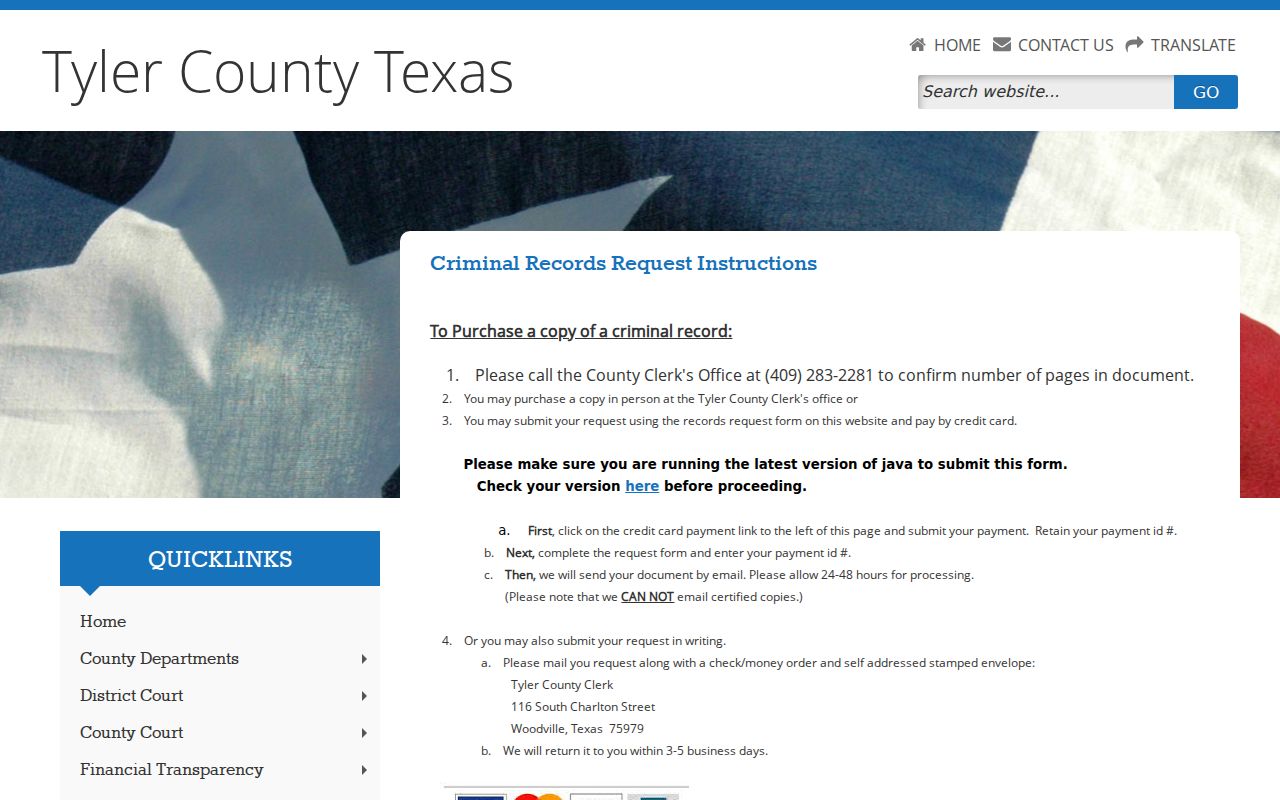
That procedure concerns available county criminal records; it does not create a live warrant search.
Which Warrants Stay Restricted
Public access depends on the record and its status. Under Texas Code of Criminal Procedure Art. 15.26, an executed arrest warrant and supporting affidavit are generally public. A child's arrest warrant and the supporting complaint or affidavit are confidential under Family Code §58.010. Sealed and protected investigative records may also be withheld.
Key Rules:
Texas Government Code Chapter 552 gives access to public information, subject to exceptions and other confidentiality law.
Texas Family Code §58.010 protects a child's arrest warrant and its supporting complaint or affidavit.
A blank docket or a clerk's limited phone response does not prove a warrant is absent; confirm with the issuing court.